PayPal does not work in Nepal, and that is the single biggest payment problem Nepali freelancers face.
If you earn from Upwork, Fiverr, or direct clients abroad, you still need a reliable way to receive that money and move it into a Nepali bank.
Here is how freelancers in Nepal get paid in 2026, without PayPal.
Why PayPal is not an option in Nepal
PayPal is blocked for receiving money in Nepal because of Nepal Rastra Bank rules on foreign currency and payment gateways. You can open an account, but you cannot withdraw to a Nepali bank in rupees.
Avoid VPN or fake-country PayPal accounts. They get flagged, frozen, and you can lose your balance. Use methods that are built to pay out in Nepal instead.
Best PayPal alternatives that work in Nepal
Most freelancers use one main method and one backup.
Payoneer
The most popular choice in Nepal. You get receiving accounts in USD, GBP, and EUR, it works with Upwork and Fiverr, and you can withdraw to your Nepali bank.
Wise
Useful for direct clients. Wise gives the real exchange rate and lower fees, so you keep more on each invoice when a client agrees to use it.
USDT (stablecoin)
A fast, low cost option that more clients now accept. You receive USDT and convert it to rupees through a trusted local peer to peer trade that settles to your bank.
How to withdraw Upwork and Fiverr earnings in Nepal
This is the most common question, so here is the short version:
- Upwork lets you connect a local Nepali bank account for direct withdrawal, usually for a small fixed fee.
- Fiverr does not support direct bank withdrawal for Nepal, so most sellers route Fiverr through Payoneer, then withdraw from Payoneer to their bank.
- For direct clients, Wise or USDT often costs less than a bank wire.
Set up your withdrawal method before your first big payment so nothing gets stuck.
Send a professional invoice to direct clients
Marketplaces handle invoicing for you, but direct clients do not. If you ask for money in a chat message, you look unprofessional and payment slows down.
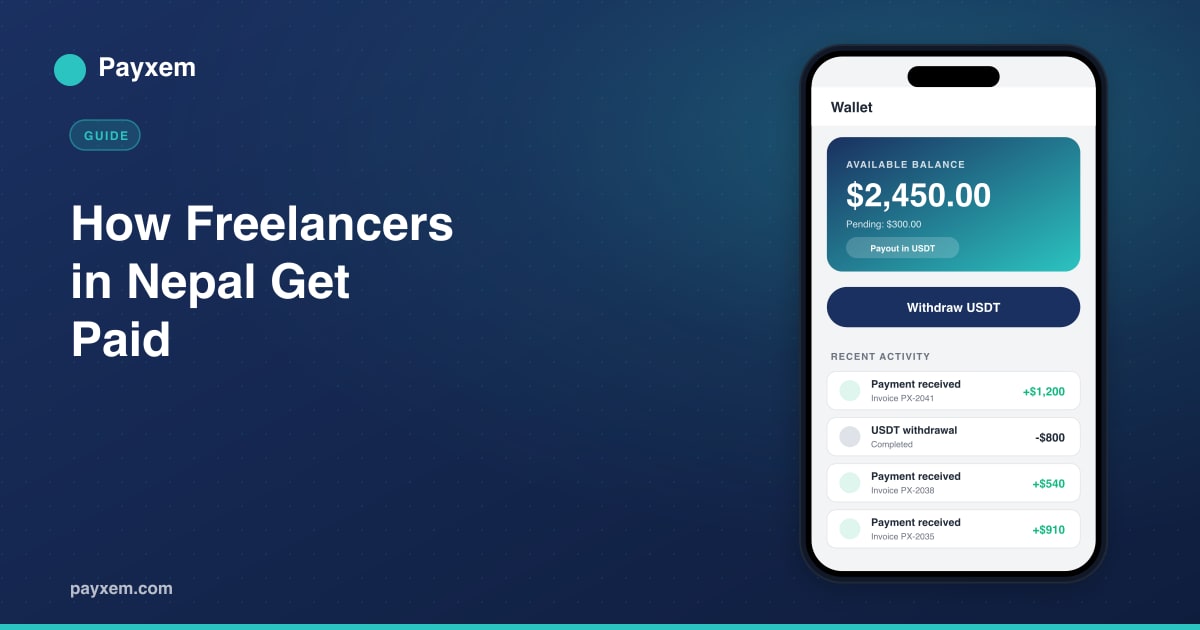
Send a clear professional invoice with your service, the amount, and a payment link. With Payxem you can send one link, let the client pick how to pay, and receive a payout that works for Nepal. You can track everything from your dashboard.
Check the fees before you accept
Before choosing a method, add up the full cost:
- Processor fee on the client side
- Currency conversion loss
- Withdrawal fee to your Nepali bank
This tells you your real take-home amount so you can price your work correctly.
Final thought
PayPal not working in Nepal is not the roadblock it used to be. With Payoneer, Wise, or USDT, plus a clean invoice for direct clients, you can get paid reliably and keep more of what you earn.
Pick your main method, set a backup, and make it easy for clients to pay you.
Start now: Create a free Payxem account and send your first invoice in under 60 seconds.
Related reads: