Freelancers in Pakistan often compare payment options based on one thing: how much money they actually receive after fees.
Payoneer is widely used. But newer tools are changing how freelancers manage their payments and client relationships.
Here is an honest breakdown.
Payoneer Overview
Payoneer is a payment platform designed for global transactions.
Strengths:
- Works with major freelance platforms (Upwork, Fiverr, Toptal)
- Supports local bank withdrawals in Pakistan
Limitations:
- Fees can stack up across conversion and processing
- Currency conversion rates reduce earnings
- Limited flexibility in how you request payments from direct clients
How Payxem Works
Payxem is not a traditional payment processor. Instead, it focuses on:
- Professional invoicing
- Payment coordination across multiple methods
- Earnings tracking and transparent fee breakdowns
It works alongside platforms like PayPal, Stripe, and crypto providers.
Key Differences
Workflow
Payoneer: Receive money, then withdraw to your bank.
Payxem: Create invoice, client pays via their preferred method, track everything from your dashboard.
Flexibility
Payoneer: Fixed system with limited payment request options.
Payxem: Multiple payment options for clients (card, PayPal, crypto) from a single invoice.
Fees
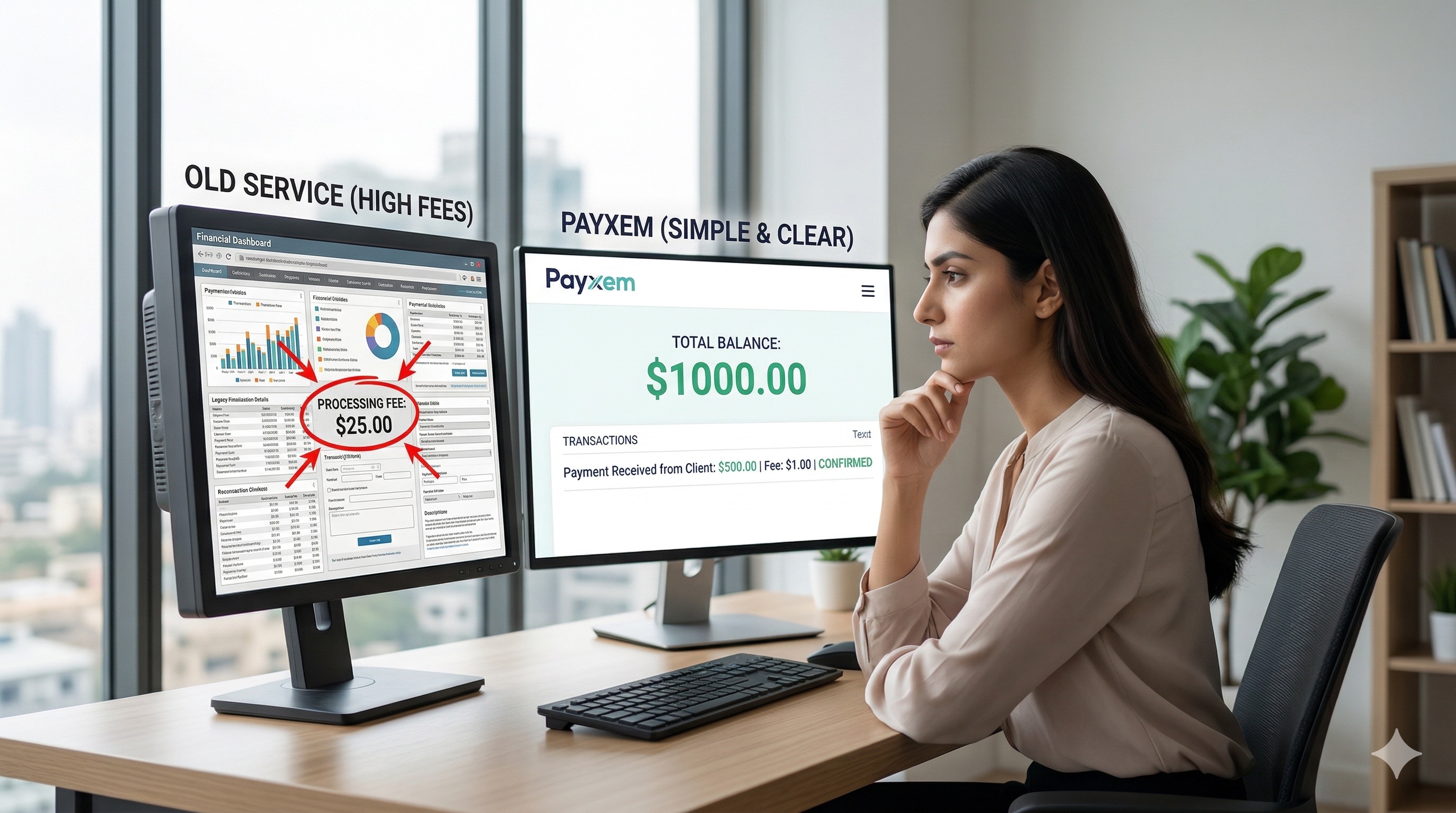
Payoneer: Fees are often hidden in conversion rates and processing charges.
Payxem: Clear platform fee (up to 2.5% + $0.30) with a visible breakdown. Payment processors (PayPal, Stripe) apply their own fees. Clients can even cover the processing fee at checkout.
User Experience
Payoneer: Functional but desktop-oriented.
Payxem: Simplified and mobile-first. Built as a PWA that works on any device.
Real Freelancer Perspective
Freelancers care about three things:
- Speed of receiving payment
- Clarity on fees and net earnings
- Control over how clients pay
Payoneer is strong for receiving marketplace platform payments. Payxem is strong for managing direct client payments with full visibility.
When to Use What
Use Payoneer if:
- You work on Upwork, Fiverr, or similar platforms
- Your earnings come through marketplace systems
Use Payxem if:
- You work with direct clients
- You want better control, professional invoicing, and fee transparency
- You need to offer clients multiple payment options
Final Thought
This is not about replacing one tool with another. It is about using the right system for your workflow.
Freelancers who combine tools intelligently earn more and face fewer payment issues.
Try it yourself: Create a free Payxem account and see the difference.
Related reads: